Back to esreverse.com

Imagine this is your desktop.

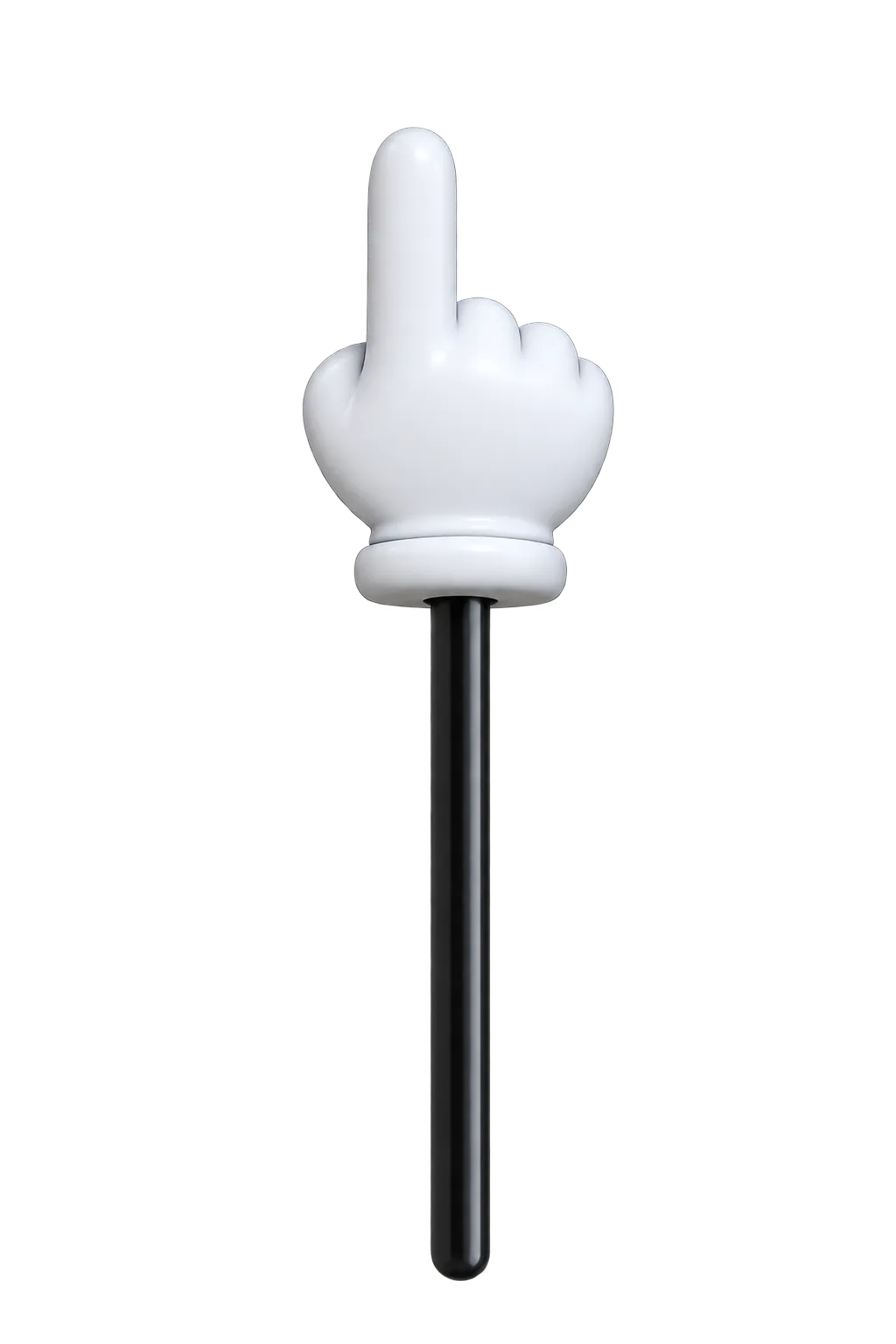
And you need a hand to talk about things on your screen.

Imagine you could draw anywhere.

In the app: Hold and drag to draw · Ctrl+Tab turns Scribble on and off

In all colors of the rainbow.

In the app: Press S for next color, A for previous color

Maybe you need to stamp numbers to show an order or to number variants.

In the app: Press N and click

Or say what you think with an emoji.

In the app: Press E and click · hold to make it bigger

Some things are better kept to yourself.

In the app: Click Pixelate on a whiteboard and drag

Sometimes you need to take a closer look.

In the app: Press Ctrl+Option+Tab for the flashlight · turn on zoom in Settings, then swipe left/right

And from time to time you need to pick colors, check contrasts, copy text, take screenshots and create screencasts.

Imagine TinyHand, CleanShot and ScreenBrush had a baby.

This isQuite Handy

Free for macOS

Download for macOS

Version 2.4 ()

Quite Handy 2.4

New

  • Color Picker: The exact color under the pointer, copied with a click as Hex, RGB or HSL. Swipe up to measure a larger area: Its average, minimum & maximum color and the contrast between them, checked against WCAG AA or AAA. Click to pin it and copy any value. Turn it on in Settings › Color Picker
  • Keystrokes in screencasts: The keys & shortcuts you press appear as keycaps in the recording. Move and resize them like the webcam
  • 5 sec countdown for screencasts: Big numbers in the middle of the screen before recording starts, so you can set the scene
  • Textbox grows as you write and the first Return sets its width
  • Drag a whiteboard's Save button anywhere to drop the whiteboard there as a PNG file

Improved

  • Screencast bar: Start & stop with ⌥⌘1, Keystrokes & Countdown in its options menu
  • Restore last sessions: Show screenshots Off, Dimmed or Opaque. Dimmed evens out light & dark screens, and the chosen session shows fully
  • Pointers without a stick trail softly behind the pointer instead of wobbling
  • Screenshots: Press ⌃W while a screenshot's preview still shows to draw on it on a whiteboard
  • Drop a pointer file on a tool in Settings to give that tool the pointer
  • Marker: Swipe up/down to change its size, left/right to change its opacity
  • Placed emojis & numbers are easier to grab
  • The stripes over an emoji follow its shape
  • The flashlight's ring grows with its size, and the color grid's pipette has the toolbar's glass
  • Tool settings open & close without fading

Fixes

  • Restored sessions show every line as it was drawn, without a fill it never had
  • Esc and a right-click end the color grid's pipette at once, every time
  • Scrolling screenshot: Retry starts over with the same area, without a flicker
  • And several smaller fixes

Huge shoutout to Kamran Ahmed for the brilliant idea of a tiny hand on a stick, and for building TinyHand, the app Quite Handy grew out of.

macOS 13 or later · Apple Silicon & Intel · Signed & notarized by Apple